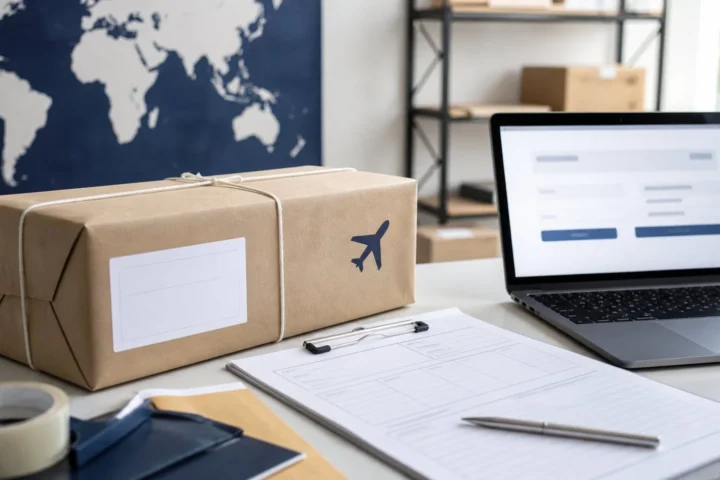

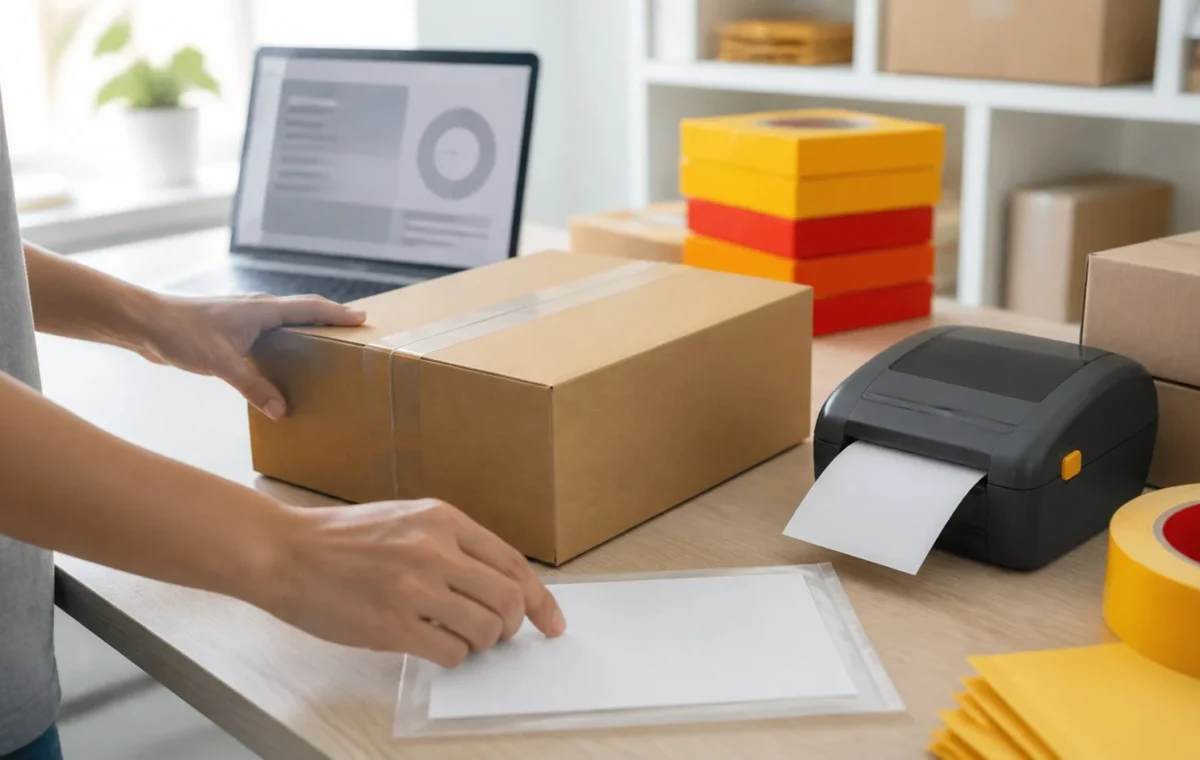
Shopify merchants in the United Kingdom, Germany, France, Italy, and Spain can now buy DHL Express shipping labels directly from Shopify admin. The rollout, announced in Shopify’s changelog on August 13, covers both domestic and international labels and does not require a separate DHL account or a third-party shipping app.
That is useful on its face. But the more important merchant question is not whether a label can be purchased. It is whether the new carrier workflow is ready to carry real orders without creating customs, support, or margin problems. Shopify says the integration includes automatic customs documentation for international orders and DHL On Demand Delivery options, which let eligible recipients reschedule, redirect, leave a shipment with a neighbour, or select a DHL service point.
For stores that previously copied order data into another tool, used a carrier portal, or relied on a shipping app just for DHL Express, this can remove steps. For stores with established shipping operations, it is a reason to test the exact order types they run before changing carrier rules at scale.
What Shopify says is now available
According to Shopify’s announcement, merchants in the five launch markets can buy DHL Express labels for domestic and international orders from the order page in Shopify admin. The stated feature set includes DHL Express rates, label purchase in the admin, automatically generated customs documentation for international shipments, and DHL On Demand Delivery. Shopify also says the option is available on every Shopify plan, with no monthly fee and a pay-per-label model.
The announcement does not say that DHL Express is automatically the best or cheapest service for every destination, product, or order value. It says the option is available inside Shopify. That distinction matters: a carrier integration changes what a merchant can do; it does not replace a shipping policy, a delivery-promise review, or margin controls.
Why this deserves an operations review
Native label buying consolidates the order and shipping steps in one place. That can reduce duplicate data entry and make it easier for a small team to work from one operational record. It can also change where staff see rates, print labels, answer delivery questions, and handle destination-specific paperwork.
International shipping is the key operational point. Shopify says customs documentation is generated automatically for international orders. Merchants should still verify the product data that feeds that document. Product descriptions, quantities, values, country-of-origin information, tariff classifications where required, and restricted-product handling remain business responsibilities. An automatically generated document can only be as reliable as the product and order information behind it.
DHL On Demand Delivery may also change the post-purchase experience. Recipient options can reduce some delivery friction, but they can create new support questions when a delivery is redirected, held for collection, or rescheduled. Teams should decide who owns those exceptions and what information is sent to customers before the first live shipment is handed off.
Where merchants may gain time—and where risk can move
For a merchant that has no DHL account or has been using a separate shipping tool only for occasional express shipments, the direct Shopify workflow could make carrier access simpler. A team can create the label from the order, keep the shipment record with the customer transaction, and avoid another login for the basic purchase step.
For a merchant with negotiated carrier terms, a warehouse management system, a third-party logistics provider, or automation that depends on a current shipping application, the decision is more nuanced. A native label workflow may not reflect existing negotiated pricing, packing-station controls, pick-and-pack automation, or exception reporting. The right response is a controlled comparison, not an immediate carrier-rule switch.
Merchants should also avoid presenting this as a universal international-shipping solution. The announcement names five markets; it does not establish availability outside them. Stores serving multiple origins should confirm which legal entity, fulfilment location, and Shopify shipping profile can use the option before showing it to staff or customers as a standard path.
A practical pre-launch test plan
Start with a low-risk shipping matrix. Create test scenarios that match the orders the business actually ships: one domestic parcel, one cross-border parcel, a multi-item order, a higher-value order, and an order with a destination that commonly creates customs questions. Compare the available DHL Express service, displayed rate, label data, customs paperwork, and promised delivery information with the current process.
Next, check the data. Review the product descriptions and values used in the test order; confirm the package dimensions and weight are coming from the expected source; and make sure staff know when a shipment requires a manual check. If the store uses duties or import-tax settings, test those workflows with the shipping policy and customer-facing checkout messaging in view. The announcement says Shopify generates customs documentation, not that it eliminates the need for accurate merchant data.
Then test the customer-support path. Send a test shipment if operationally practical, then review tracking messages and the recipient options connected with DHL On Demand Delivery. Write down the escalation path for an address correction, a recipient redirect, a collection-point request, a failed delivery, and a customs hold. A new carrier option is most valuable when customers and staff can understand it at the moment something changes.
Actions for Shopify merchants
- Confirm that the shipping origin is in the UK, Germany, France, Italy, or Spain and that the relevant Shopify location is eligible.
- Run domestic and international test labels before adding DHL Express to automated carrier or rate-selection rules.
- Compare the displayed per-label cost with the current carrier contract, shipping app, or fulfilment-provider path for representative orders.
- Audit the product and order data used for customs documentation; set a manual-review rule for product types or destinations that need it.
- Prepare customer-service guidance for reschedules, redirects, service-point collection, delivery failures, and customs exceptions.
- Keep the rollout limited until label purchase, paperwork, tracking, and refund or replacement procedures work as expected.
The bottom line
Shopify’s new DHL Express option is a meaningful operational addition for eligible merchants in five European markets, especially when international shipping is currently split across multiple tools. The immediate opportunity is simpler label buying and more integrated recipient delivery choices. The immediate responsibility is to validate rates, customs data, fulfilment controls, and support handling before this becomes a default route for customer orders.
Merchants can find Shopify’s original announcement in the Shopify Changelog, and Shopify directs merchants to its shipping-label documentation for the label-purchase workflow.